Digital cards for Apple Wallet
Your card, in their Wallet
Design a beautiful birthday, anniversary or wedding card with your own photo, then add it to an iPhone Wallet.
Create your cardFree to design. $1 per card, only when you add it to Wallet.

What is the occasion?
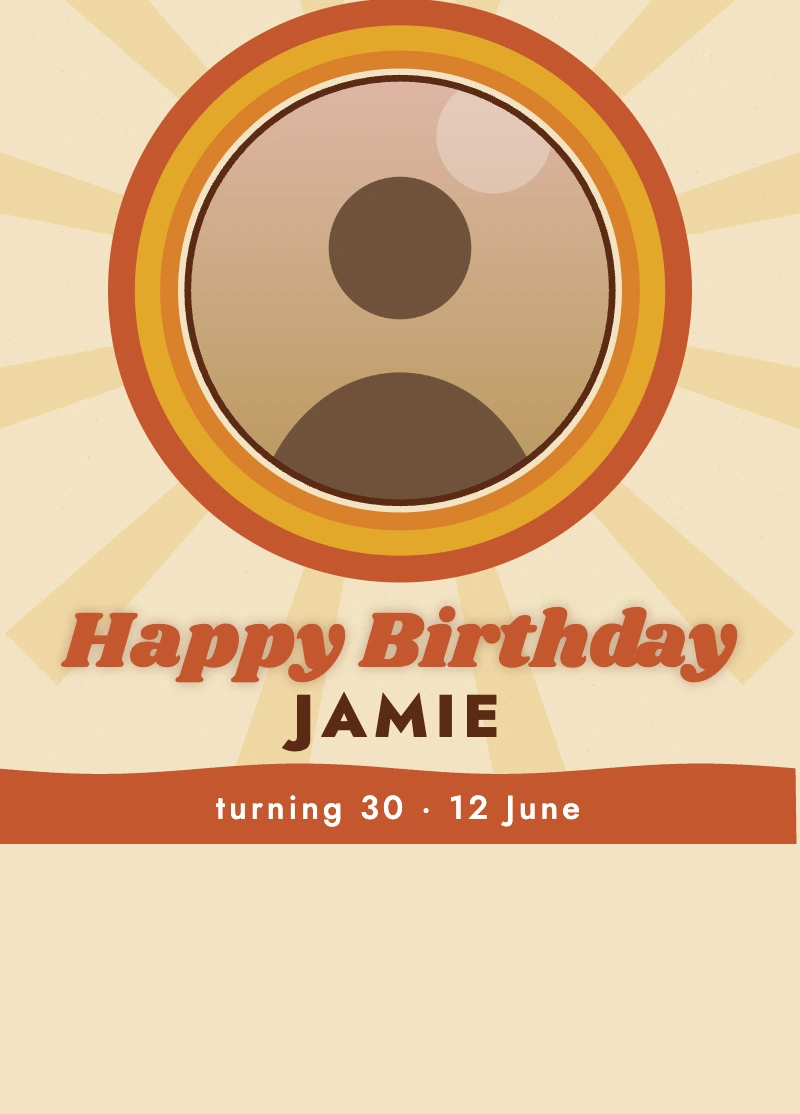
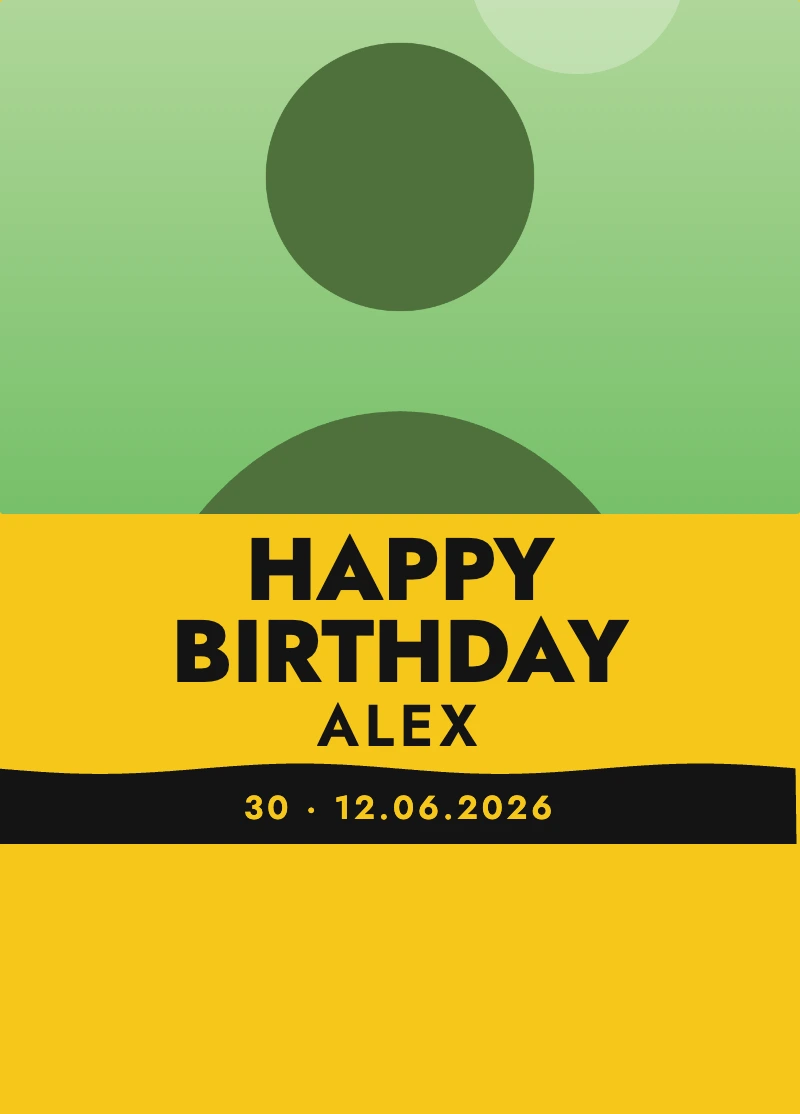
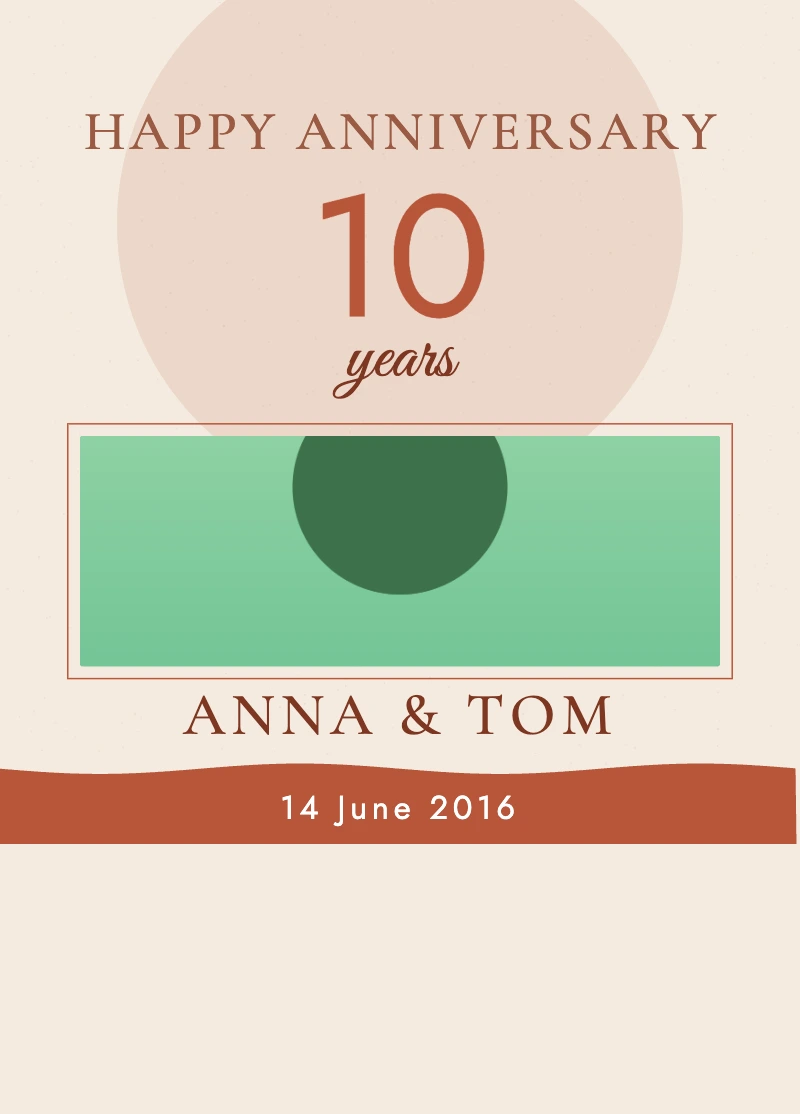

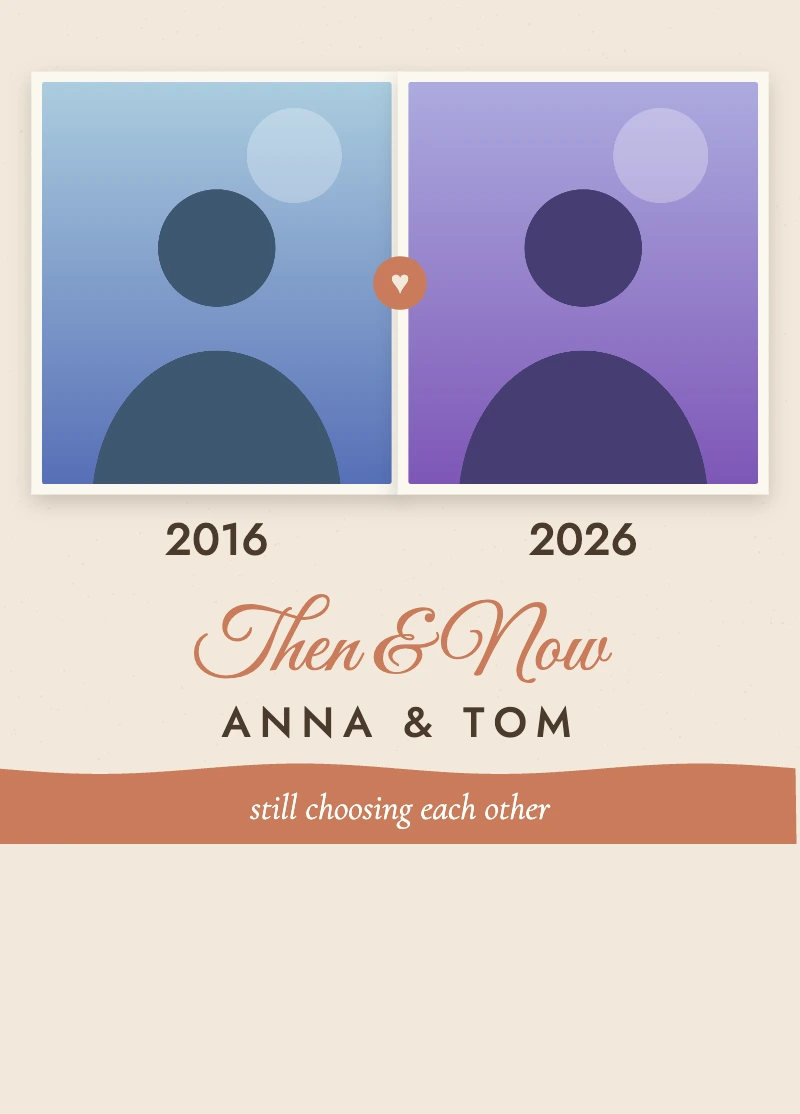








Make your card
Drag the photo to move it, pinch or use the slider to zoom.
Your photo stays on your device until you create your pass.
This link works any time. Use it to add your card again, or send it to the person it is for. Anyone with the link can open the card.
Tap the button on your iPhone and then Add. Save this link: it works any time.
WalletGreet cards are made for Apple Wallet on iPhone. Open this page on your iPhone, or send the gift link below to someone who has one.
iPhone with iOS 27 shows the full-photo layout; older iPhones show a simpler pass.
Your photo stays in your browser until you pay. After payment it is used once to make your card, and the original upload is not kept. The finished card (which includes your photo) is kept on our servers behind a private link until you delete it from the card page. We keep only your email, through Stripe, for the receipt. No account needed.
How it works
- 1
Design it, free
Choose a design, add a photo and your words. See it live.
- 2
Pay once
One $1 payment per card. No account, no subscription.
- 3
Add to Wallet
Open the link on an iPhone and tap Add. It is in their Wallet.
What you get
Simple pricing
per card, one time
- Every design and colour
- Your own photo
- One card per payment, plus a permanent link you can reopen any time
- No account, no subscription
Cards for every occasion
Questions
Which phones work?
WalletGreet cards are made for Apple Wallet on iPhone.
What does the iOS 27 layout mean?
iPhone with iOS 27 shows your card as a full-photo layout. Older iPhones show a simpler pass that uses the same artwork.
Is my photo private?
Your photo stays in your browser until you pay. After payment it is used once to make the card, and the original upload is not kept. The finished card, including the photo that is part of it, stays on our servers behind a private link until you delete it with the Delete button on your card page (or ask us to).
Do I need an account?
No. You design for free, pay once and add the card. We only get your email through Stripe, for the receipt.
How many times can I download it?
One payment makes one card. You also get a permanent link you can reopen any time to add the same card again or share it. A new card needs a new payment.
Can I change the card after paying?
Make your changes in the live preview before you pay. After payment the card is created once, so check the preview, then create it.
Latest guides
Apple Wallet Pass Won't Add? 9 Causes and Fixes
Apple Wallet pass won't add? Here are 9 common causes, from the wrong browser to a broken link, with clear fixes and honest limits on what you can fix.
ExplainersWallet Pass Maker Apps: Common Reviewer Complaints
Before you pay for an Apple Wallet pass maker app, read what App Store reviewers complain about and use our checklist to pick one that fits.
GuidesHow to Send a Wallet Card as a Gift (Permanent Link)
How to send an Apple Wallet card as a gift: share the permanent link, what the receiver does on iPhone, plus timing and safe sharing tips for your card.