Digital cards for Apple Wallet
Your card, in their Wallet
Design a beautiful birthday, anniversary or wedding card with your own photo, then add it to an iPhone Wallet.
Create your cardFree to design. $1 per card, only when you add it to Wallet.

Designs for every occasion
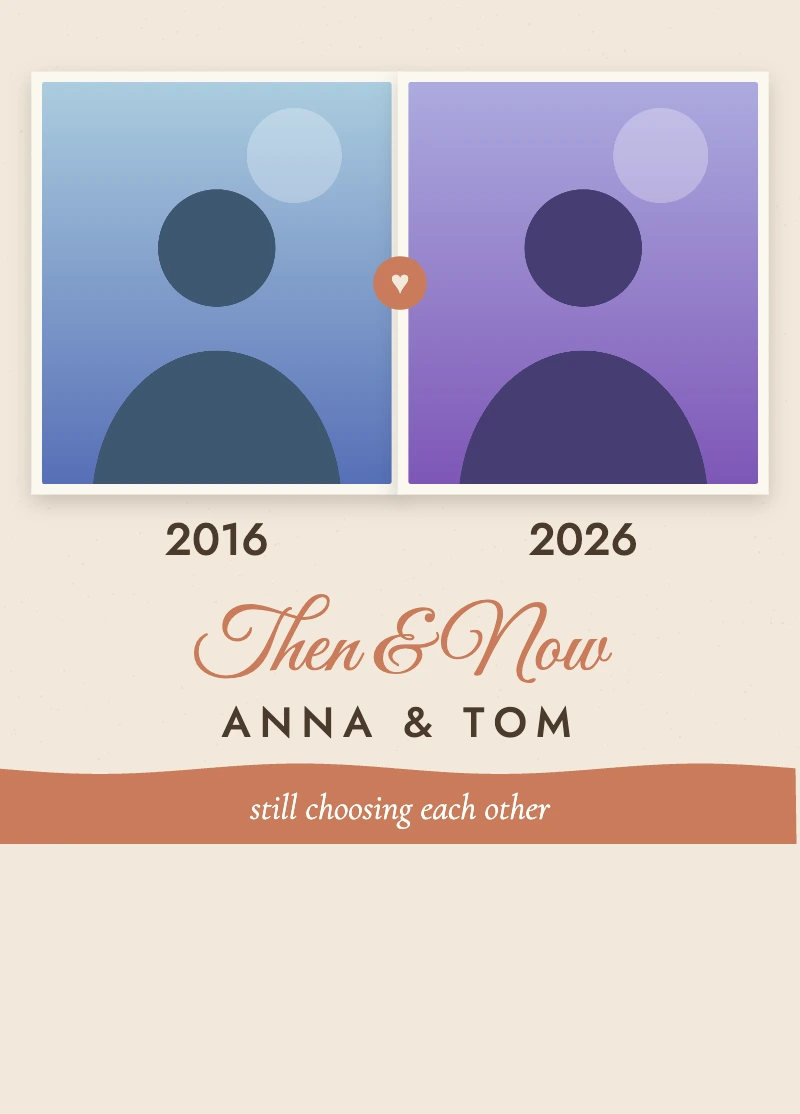
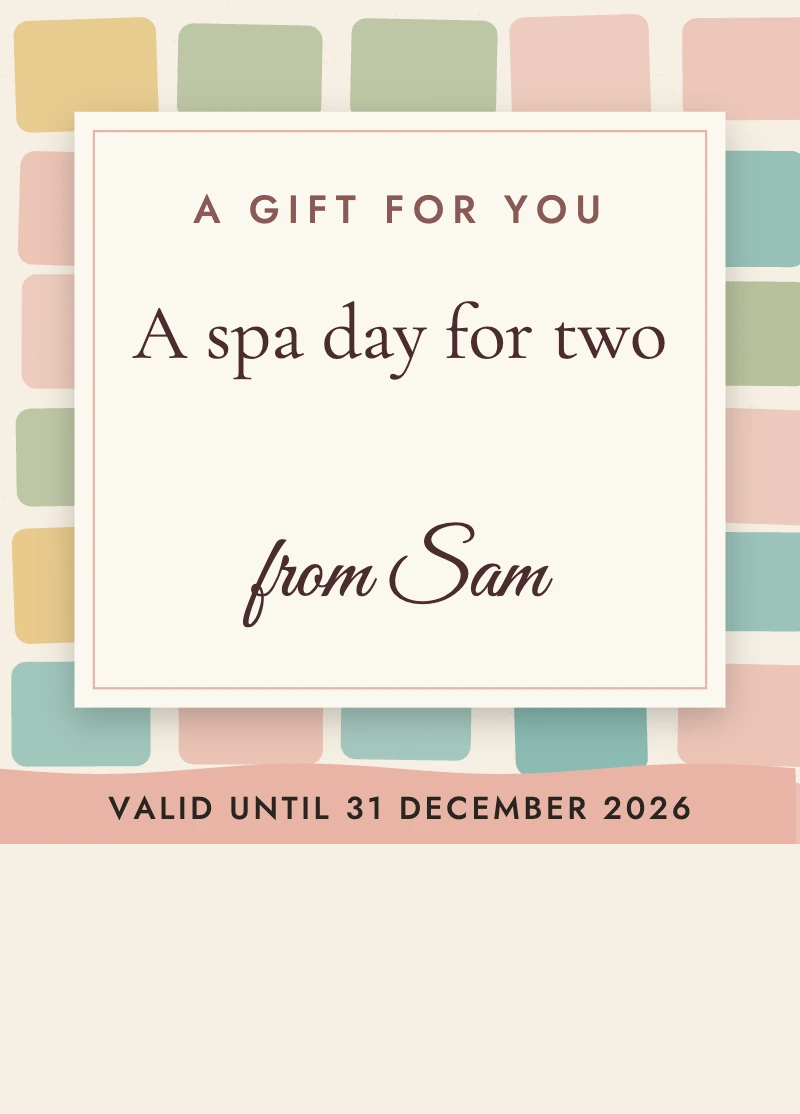
Pick a design, add your photo and your words. Every card below is made with the same editor you will use.












What you get
Make your card
Drag the photo to move it, pinch or use the slider to zoom.
Your photo stays on your device until you create your pass.
This link works for 48 hours. Use it to download your card again, or send it to someone else.
iPhone with iOS 27 shows the full-photo layout; older iPhones show a simpler pass.
Your photo stays in your browser until you pay. After payment it is used once to make your pass and is then deleted. We keep only your email, through Stripe, for the receipt. Gift links expire after 48 hours. No account needed.
How it works
- 1
Design it, free
Choose a design, add a photo and your words. See it live.
- 2
Pay once
One $1 payment per card. No account, no subscription.
- 3
Add to Wallet
Open the link on an iPhone and tap Add. It is in their Wallet.
Simple pricing
per card, one time
- Every design and colour
- Your own photo
- One pass per payment, plus a gift link you can reuse for 48 hours
- No account, no subscription